How to Run a Digital Pick-a-Date Calendar Fundraiser
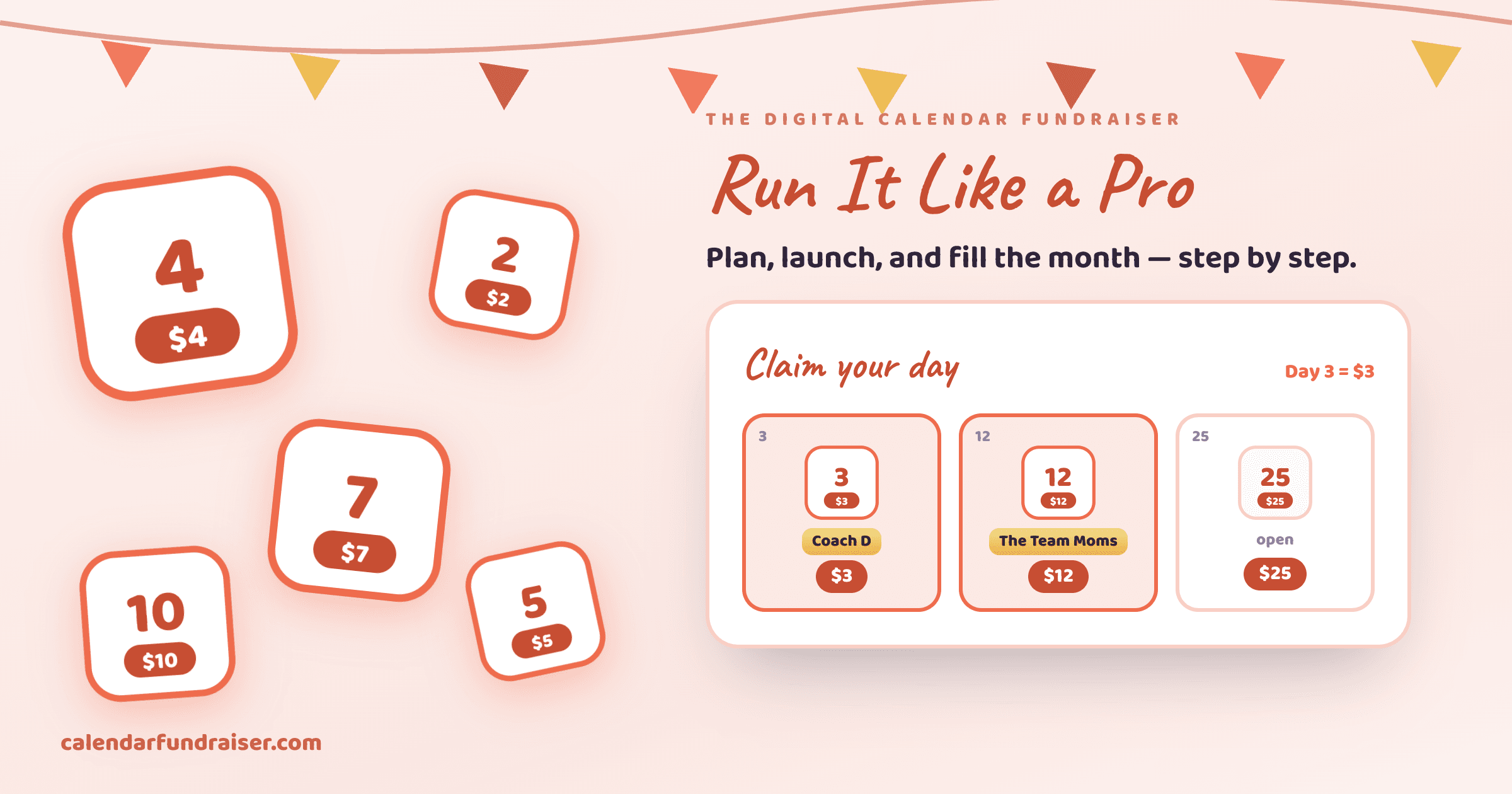

A complete step-by-step guide to launching, promoting, and succeeding with a digital calendar fundraiser for your school or organization. Learn the exact process used by successful schools and PTAs.
The whole setup, start to finish
From naming your campaign to connecting payouts and going live — here's every step in one quick walkthrough.
Create a campaign
…in about a minute
Give your campaign a clear, recognizable name.
Digital calendar fundraisers have revolutionized how schools, PTAs, and nonprofit organizations raise money. The concept is simple yet powerful: supporters pick a date on the calendar and donate the corresponding amount—$1 for the 1st, $15 for the 15th, up to $31 for the 31st.
When done right, each participant can raise up to $496 in a single month.
What is a Pick-a-Date Calendar Fundraiser?
A pick-a-date calendar fundraiser (also called a "calendar campaign" or "date donation") is a fundraising method where:
- Donors choose dates on a monthly calendar
- They donate the dollar amount matching that date ($1-$31)
- Each date can only be claimed once per participant
- Multiple participants can run campaigns simultaneously
- When all 31 dates are filled, that participant raises $496
Why Digital Calendar Fundraisers Work
Unlike traditional fundraisers selling products, calendar fundraisers offer several advantages:
Low barrier to entry - Donations range from $1 to $31, making it accessible for all supporters
No inventory or shipping - Everything happens online with instant digital payments
Built-in gamification - The visual calendar creates urgency as dates fill up
Easy to share - Participants can share their unique link via social media, email, or QR codes
Real-time tracking - See progress instantly and celebrate milestones together
Step 1: Set Up Your Campaign
Before launching, you need to configure your calendar fundraiser campaign properly.
Choose Your Platform
Select a digital calendar fundraising platform like CalendarFundraiser.com that offers:
- Customizable campaign branding
- Participant tracking with unique links
- Secure payment processing (Stripe, Square)
- Real-time analytics and reporting
- Mobile-responsive design
- Email automation capabilities
Customize Your Branding
Make your campaign visually appealing and aligned with your organization:
- Upload your school/organization logo
- Choose brand colors matching your identity
- Write a compelling campaign headline
- Add photos of your cause or students
- Customize the "About" section explaining your goal
Set Your Goals
Determine your fundraising target:
- Number of participants
- Total amount to raise
- Campaign duration (typically 2-4 weeks)
- Stretch goals for extra motivation
Example: If 50 students participate and each raises $300 (average), you'll raise $15,000.
Step 2: Import Participants
Getting participants set up quickly is crucial for momentum.
CSV Import Method
Most schools use CSV import for efficiency:
- Create a spreadsheet with columns: First Name, Last Name, Email, Grade/Class
- Export as CSV file
- Upload to platform
- Platform auto-generates unique tracking links for each participant
Manual Invitation
For smaller campaigns:
- Send invitation emails with signup links
- Use QR codes for quick registration
- Allow self-registration via access code
Organize by Teams/Classes
Create friendly competition:
- Organize participants into classes, teams, or grades
- Enable class leaderboards
- Offer prizes for top-performing groups
Step 3: Launch and Promote
Your launch strategy determines success. Follow this proven timeline:
Week Before Launch
- Send teaser emails to build anticipation
- Host informational meeting explaining how it works
- Create social media graphics and sample posts
- Prepare email templates for participants to use
Launch Day
- Send launch email at 9 AM with participant links
- Post on all social channels with campaign link
- Share in organization newsletter
- Send SMS reminder if applicable
Promotional Materials to Provide
Give participants everything they need:
Email templates:
Subject: Help [Student Name] Raise Money for [School Name]!

Hi Friends and Family,

I'm participating in [School Name]'s calendar fundraiser! It's super easy:

1. Click my personal link: [UNIQUE LINK]
2. Pick any available date on the calendar
3. Donate that date's dollar amount ($1-$31)

Every date helps us reach our goal of [GOAL AMOUNT] for [PURPOSE].

Thank you for supporting me!
[Student Name]
Social media posts:
I'm raising money for [School Name]!

Pick a date, any date! Donate the $ amount of your chosen date ($1-$31) to support [CAUSE].

[UNIQUE LINK]

Thanks for your support!
QR codes:
- Print personalized QR codes for participants
- Use on flyers, posters, and handouts
- Great for in-person asks
Step 4: Track Progress
Monitoring and celebrating progress keeps momentum high.
Dashboard Metrics to Watch
- Overall progress - Total raised vs. goal
- Participant leaderboard - Top participants
- Class/team rankings - Foster friendly competition
- Dates claimed - Visualize calendar filling up
- Donor count - Celebrate every contribution
Mid-Campaign Communications
After 3 days:
- Share early progress and top performers
- Encourage participants who haven't shared yet
- Highlight fun donation messages
Halfway point:
- Announce you're 50% to goal
- Create urgency for unclaimed dates
- Offer bonus incentive for final push
Final 3 days:
- Daily countdown emails
- Show remaining dates needed
- Thank donors publicly (with permission)
Step 5: Celebrate Success
Proper recognition ensures participants stay engaged for future campaigns.
Thank Donors
- Automated receipts - Sent immediately after donation
- Personal thank-you notes - From participants to their donors
- Public recognition - Donor wall (with permission)
- Social media shoutouts - Celebrate milestone donors
Recognize Participants
- Certificates for top participants
- Class/team awards for highest totals
- Assembly recognition for everyone who participated
- Pizza party or reward for reaching goal
Share Results
Transparency builds trust for future campaigns:
- Email final total raised to all families
- Post infographic showing impact
- Explain how funds will be used
- Share photos of purchased items/completed projects
Best Practices for Maximum Success
1. Make It Personal
Participants raise more when they personalize their ask:
- Add personal message to campaign page
- Share why the cause matters to them
- Include photos of themselves
- Update donors on progress
2. Use Multipliers Strategically
Most platforms offer "multipliers" to increase amounts:
- 1x multiplier = $1-$31 (total $496) - Best for first-time campaigns
- 2x multiplier = $2-$62 (total $992) - For experienced participants
- 5x multiplier = $5-$155 (total $2,480) - For major campaigns
Start conservative, then increase for subsequent campaigns.
3. Timing Matters
Optimal campaign timing:
- Avoid major holidays (Thanksgiving, Christmas shopping season)
- Start Tuesday-Wednesday (avoid weekend launch)
- Run 2-3 weeks (long enough to reach everyone, short enough to maintain urgency)
- End Friday (gives weekend to finish strong)
4. Leverage Every Channel
Multi-channel promotion raises more:
- Email - Highest conversion rate
- Social media - Widest reach
- SMS - Highest open rate
- In-person - Highest average donation
- QR codes - Easiest for quick sharing
5. Keep It Simple
Don't overwhelm participants:
- Provide ready-to-use templates
- Make sharing one-click easy
- Offer short explainer video
- Have FAQ ready for common questions
Common Challenges and Solutions
"I don't have many people to ask"
Solution: Quality over quantity. 10 close family members can fill half the calendar.
"I'm shy about asking for money"
Solution: Reframe it as "inviting to participate in a fun challenge, not asking for money."
"My family already donated to another participant"
Solution: Multiple participants from same school/cause is normal. Each has their own unique calendar.
"Technology barriers for older relatives"
Solution: Offer to claim dates on their behalf via phone. Send QR code for simple scanning.
Real Success Stories
Lincoln Elementary School - 87 participants - $34,250 raised
"We switched from selling cookie dough to a calendar fundraiser. Zero inventory, zero delivery headaches. Our PTA raised more than we ever did before."
Riverside Youth Soccer - 42 athletes - $18,790 raised
"Each player got new uniforms funded by their own calendar. Parents loved that kids took ownership of fundraising."
St. Mary's Church - 25 volunteers - $9,240 raised
"Our building fund got a huge boost. Parishioners appreciated the simple, transparent approach."
Conclusion
Digital calendar fundraisers combine simplicity, transparency, and proven psychology to create a fundraising method that works for organizations of all sizes.
By following this guide—setting up properly, importing participants, launching with energy, tracking progress, and celebrating success—you'll run a calendar fundraiser that exceeds your goals.
Ready to get started?
Ready to Start Your Calendar Fundraiser?
Create your custom-branded campaign in minutes and start raising funds with the strategies you just learned.
Start Free Campaign →