How Do I Create a Pick-a-Date Calendar Fundraiser?
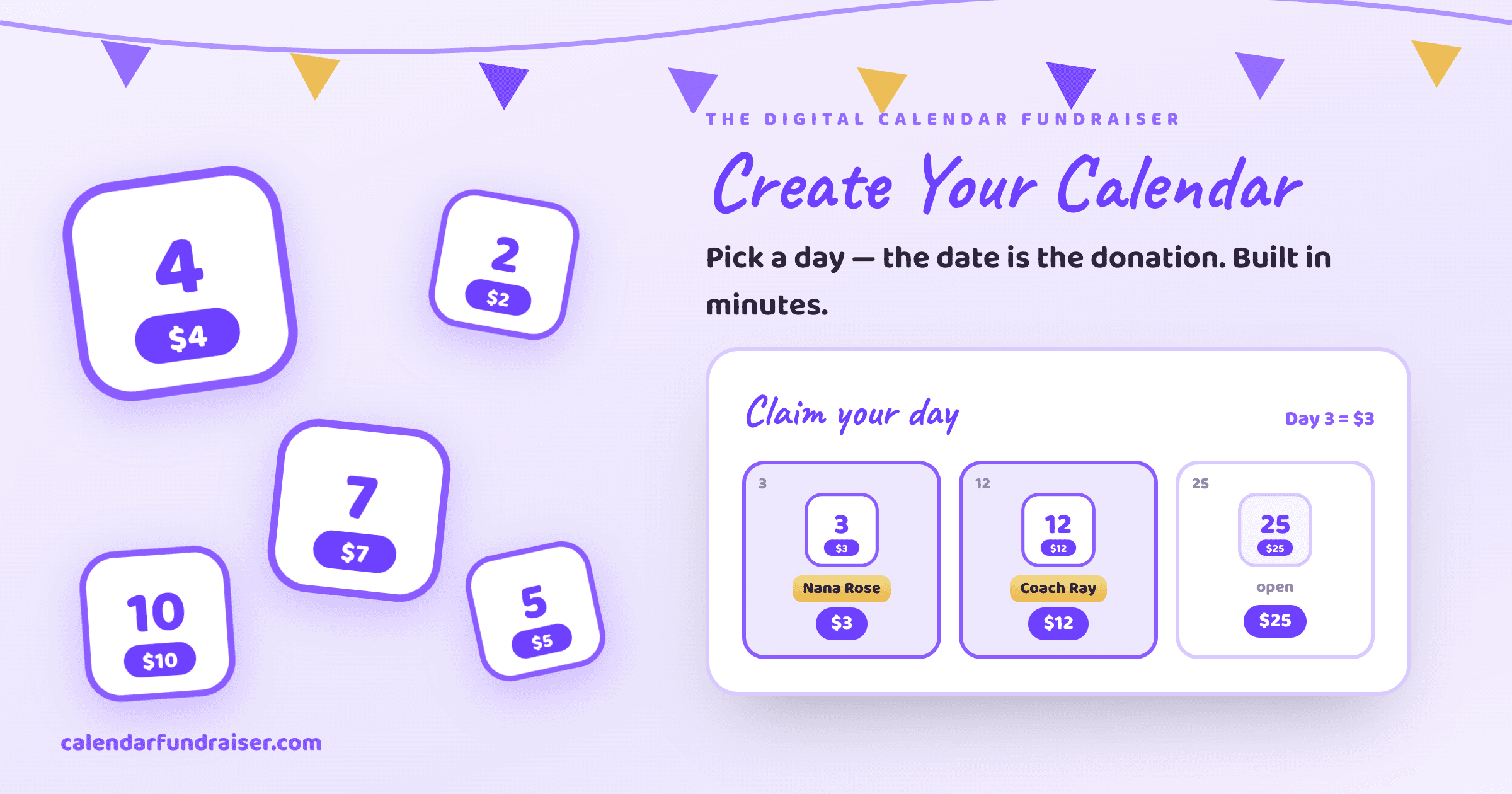

Step-by-step: how to create a pick-a-date calendar fundraiser online in about 3 minutes. Name your campaign, set a goal, add participants, share your link, and keep 100% of every calendar donation.
See it built in under a minute
Here's the exact flow — name your campaign, set the dates and goal, brand it, connect payouts, and go live.
Create a campaign
…in about a minute
Give your campaign a clear, recognizable name.
How do I create a pick-a-date calendar fundraiser?
To create a pick-a-date calendar fundraiser, sign up free at CalendarFundraiser.com, name your campaign and set a goal, brand it with your logo and colors, add your participants or contact list, and share your link. Supporters then claim a date and donate the amount that matches it — $1 for the 1st, $31 for the 31st — and you keep 100%. It takes about three minutes and no credit card to start.
Step-by-step
- Sign up free. Create your account — no card required.
- Name your campaign & set a goal. Add a short story about your cause.
- Brand it. Upload a logo and choose colors so it looks like your group.
- Add participants or a contact list. Import a CSV or add people by hand — each gets a link and QR code.
- Share one link. Text, email, and post it. Supporters pick an open date and pay by card, Apple Pay, or Google Pay.
- Watch it fill up. Dates get marked in real time, receipts send automatically, and funds land in your own Stripe or Square account.
Why create it digitally instead of on paper?
A paper pick-a-date calendar means chasing cash, crossing off squares by hand, and no receipts. A digital calendar collects donations online, tracks every claimed date instantly, and reaches anyone with a phone — so the same idea raises more with far less work. See digital vs. paper.
How much can you raise?
A fully claimed 31-day calendar raises $496 per participant. With a team it multiplies fast — try the calculator to estimate your total, or browse pick-a-date ideas to get started.
Ready to Start Your Calendar Fundraiser?
Create your custom-branded campaign in minutes and start raising funds with the strategies you just learned.
Start Free Campaign →