Digital Calendar Fundraiser
The Paper Calendar, Rebuilt for Phones.
The calendar fundraiser used to be a template you bought, printed, emailed as a PDF, and chased with a cash box. This is the same idea rebuilt as a live web page: supporters tap a date on their phone, pay it, and their name appears on the calendar. Day 3 = $3, a full month raises $496, and you keep 100% of calendar donations.
The paper calendar, rebuilt as a live web page. Tap a date, pay it, your name appears. Day 3 = $3, a full month raises $496, and you keep 100% of calendar donations.
Example calendar · what yours will look like
Power the Classroom
Laptops, headphones & Wi-Fi — the Chromebook refresh, one date at a time. Day 3 = $3.
What is a digital calendar fundraiser?
A digital calendar fundraiser is a pick-a-date calendar fundraiser run as a web page instead of a printed sheet: every date carries its own amount, supporters claim a date and pay it online, the claim locks the date and shows the giver's name, the money settles to the organizer's own account, and the totals update live. It replaces the printable template, the emailed PDF, the collection envelope, and the thank-you spreadsheet with one link.
Before this, a calendar fundraiser meant buying a template, filling in dates by hand, mailing or emailing it, collecting cash and checks, and keeping the running total yourself. Every step of that is now automatic.
How a calendar fundraiser fills in 72 hours
Real numbers, real calendar. One school PTO, one September, hour by hour. Every calendar fills the same way, yours included.
Built and live in 57 minutes
Campaign created mid-afternoon, Stripe connected, live at 4:34 PM. Fifteen classroom participants joined through the school's group text.
Each participant gets a personal link by email
113 of 114 gifts came through personal links. No invite list uploaded — the automatic link email plus the class group text did it.

Parents give after bedtime
The single busiest hour was 11 PM. $391 landed on day 1, most of it after 9 PM. Plan your team message for the evening, not the school run.
37% by day 4 — then a bigger second week
$722 by day 4. The surprise came on days 7–9: $413, $391 and $356 as late-joining families got their links. The second week beat the first.
The late joiners carried the second week
Every new participant brought their own family burst. 70% of gifts carried a message for a specific child.
Get every classroom's link out on night one
The families who had a link on day 1 gave on day 1. The ones who got it a week later gave a week later. Same money, one week sooner, if every participant joins the first night.

Build it in an hour. Share it that night. Let the software do the rest.
The school PTO above created its campaign at 3:37 PM, connected payouts, and was live at 4:34 PM. Every classroom got a personal link and QR code by automatic email, 113 of 114 gifts came through those links, every giver got a receipt, and nobody counted a dollar by hand. That is the whole difference between the printed template and the digital one.
Everything a calendar fundraiser needs
Built for the organizer who used to buy a printable template, email a PDF, and keep the totals in a spreadsheet: every one of those jobs is now a feature.
The date is the amount, on a live calendar
No printed grid, no pencil. Every date shows its price, claimed dates lock instantly, and two people can never claim the same day.
Keep 100% of calendar donations
No cash box, no checks to deposit. Funds settle to your own Stripe or Square account. Givers cover a small service fee at checkout, shown before they pay.
Apple Pay · Google Pay · Cash App · card
Tap a date, pay in seconds with what is already on the phone. No account, no app download.
A calendar for every participant
Import a roster by CSV or share a join link. Each participant gets their own calendar, link, and QR code by email, grouped by class or team, with a live leaderboard.
Automatic receipts and a live dashboard
Every gift triggers a branded receipt. Totals, claimed dates, donor lists, and CSV export update as the money arrives.
One link, shared by text, email, WhatsApp, or QR
The share menu sends the calendar in one tap. Print the QR on a flyer and the scan lands on the right calendar.
Everything the printed template made you do, now done for you
- 01
The printable template, replaced by 43 themed calendars
Instead of buying a generic template and filling in the theme, pick a calendar built for the occasion: Halloween, teacher appreciation, trophies, baby showers, and 39 more, each with its own icons and colors.
- 02
The emailed PDF, replaced by one link
Nobody downloads anything. The calendar is a web page that works on every phone, and the share menu sends it by text, email, or WhatsApp in a tap.
- 03
The clipboard sign-up, replaced by date locking
When a supporter claims the 14th, it locks for everyone else and shows their name. No double bookings, no crossed-out squares.
- 04
The cash box, replaced by direct payouts
Gifts are paid by card, Apple Pay, Google Pay, or Cash App and settle to your own Stripe or Square account on its regular schedule. Refunds run through the same rails.
- 05
The thank-you spreadsheet, replaced by automatic receipts
Every giver gets a branded receipt the moment they pay. The donor list, with names and messages, is one click to export for thank-you notes.
- 06
The running tally, replaced by a live dashboard
Total raised, dates claimed, and per-participant rankings update in real time. Email open and click tracking shows who saw the link.
- 07
The flyer, upgraded with a QR code
Every campaign and every participant gets a QR code. Put it on the flyer, the bib, the bulletin, the yard sign; the scan opens the right calendar.
- 08
The reminder phone tree, replaced by Email Team and donor tools
One message to every participant from the Email Team tab, one to every past donor, with a scheduled ends-in-24-hours email that closes the calendar for you.
- 09
The single sheet, replaced by a calendar per participant
A team campaign gives every student, player, or classroom its own calendar and link under one campaign, with a leaderboard that keeps everyone sharing.
- 10
Beyond the grid: 2× pricing, boosts, puzzle and reveal calendars
Turn on 2× date pricing to double every date, let supporters boost a gift above the date, or run a puzzle calendar where each gift reveals a piece of the picture.
- 11
Anonymous gifts, custom branding, your own colors
Givers can hide their name. You add your logo, colors, banner, story, and thank-you message so the calendar looks like yours, not ours.
- 12
Verified organizations, real payouts
Organizations verify once, connect Stripe or Square, and funds go to their own account. Nothing is held by us.
How a calendar fundraiser works
Build the calendar.
Pick a themed calendar, add your name, colors, and goal, and connect Stripe or Square. Built in minutes.
Share one link.
Text it, email it, print the QR code. Supporters tap a date, type a name and a message, and pay with what is on their phone.
Watch it fill.
Dates lock as they are claimed, receipts go out automatically, and the dashboard shows the total. Keep 100% of calendar donations.
More fundraiser calendars
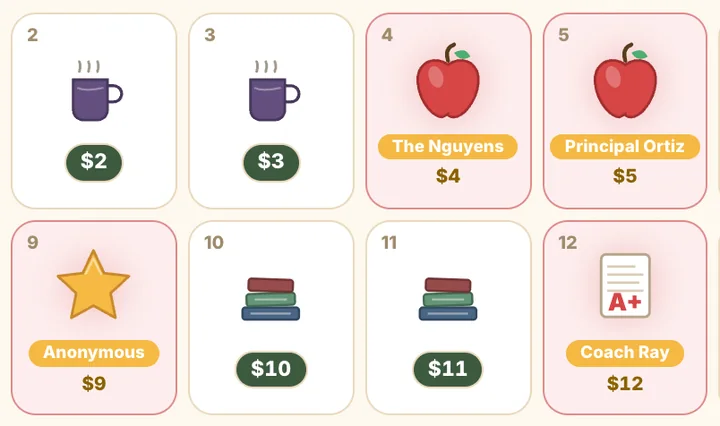
Teacher Appreciation
Pick a date, fund the celebration.
See the calendar →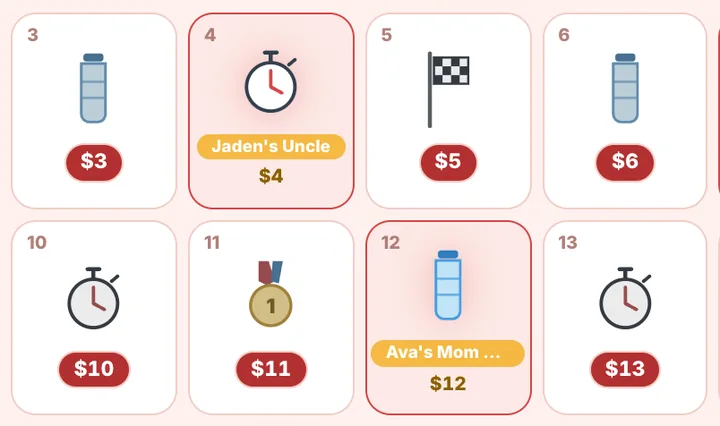
Fun Run
Every pledge collected before the first lap.
See the calendar →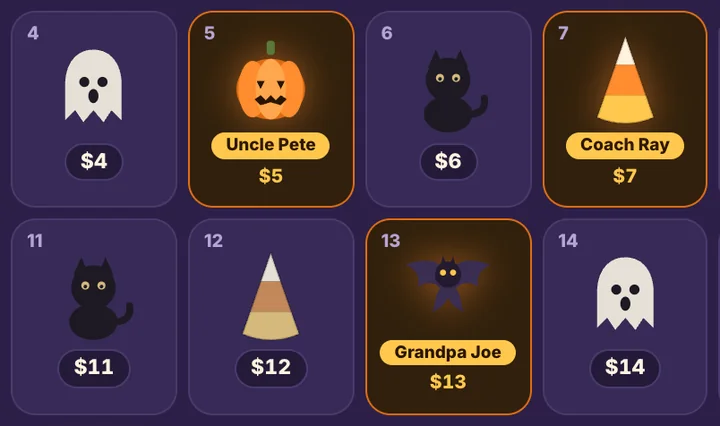
Halloween
Pick a pumpkin, fund the party — the PTA's classroom night.
See the calendar →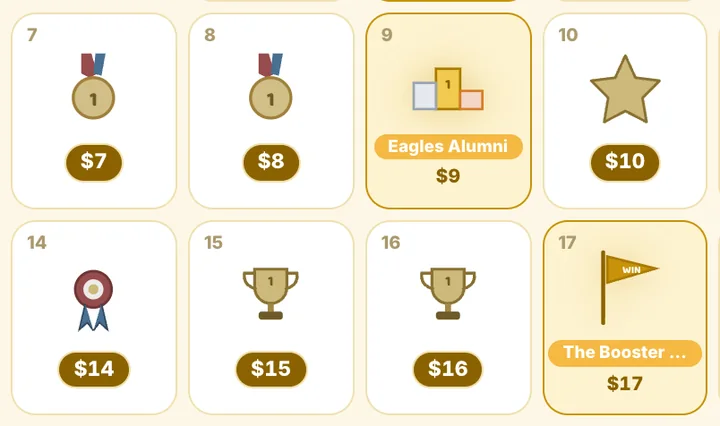
Trophy
Pick a date, fund the celebration.
See the calendar →Digital Calendar Fundraiser FAQ
What is the difference between a digital calendar fundraiser and a printed one?
The idea is identical: the date is the donation. The digital version does the collecting, locking, receipting, and counting for you. Supporters pay online at the moment they claim a date, so there is no PDF to email, no cash to gather, and no spreadsheet to keep.
Do I still need a template?
No. Choose one of 43 themed calendars, or build a custom one with your logo and colors. There is nothing to print unless you want a flyer with the QR code on it.
How do supporters pay?
Card, Apple Pay, Google Pay, or Cash App on the calendar page. No account and no app. Each gift is locked to its date and receipted by email.
How do I share it?
One link per campaign, plus one per participant on team campaigns. The share menu sends it by text, email, or WhatsApp, and every link has a QR code for flyers and signs.
How much does a digital calendar fundraiser raise?
The sum of the dates: $496 for a 31-day month, $465 for a 30-day month, per calendar. Every participant with their own calendar adds another. The case studies show real totals, day by day.
What does it cost?
Building and running a calendar is free. Givers pay a small service fee at checkout, shown before they pay, and you keep 100% of calendar donations. The fee is described in full in our Terms of Service.
- Online calendar fundraiserHow the process changed from in-person
- Digital vs. paper, side by sideThe comparison, feature by feature
- What is a pick-a-date calendar fundraiser?The format, start to finish
- Real resultsSix campaigns, day by day
- How much can you raise?Calendar fundraiser calculator: participants in, total out
- Custom calendar fundraiserYour colors, your icons, your community
Updated September 12, 2026
Fund every date this season.
Free to build. Connect Stripe or Square to go live. Keep 100% of calendar donations.
Start the Digital Calendar calendar