Online Calendar Fundraiser
One Link Instead of a Sign-Up Table.
Share one link instead of staffing a table. Supporters claim a date from anywhere, at any hour, and pay on their phone. Day 3 = $3, a full month raises $496, and you keep 100% of calendar donations.
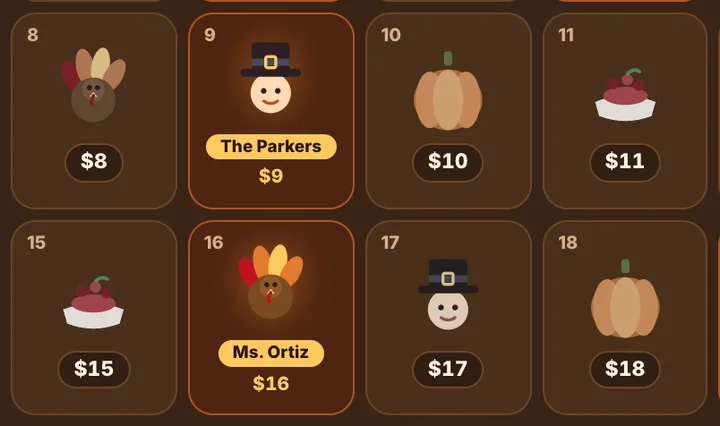
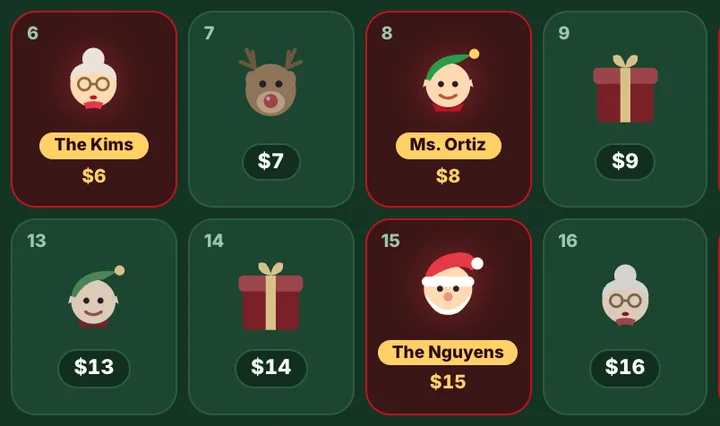
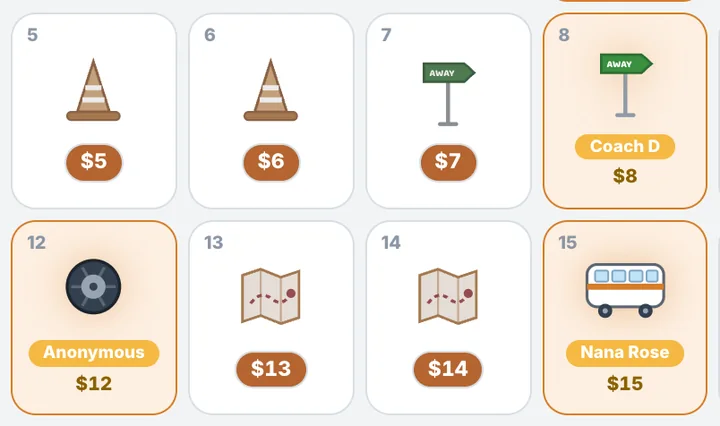
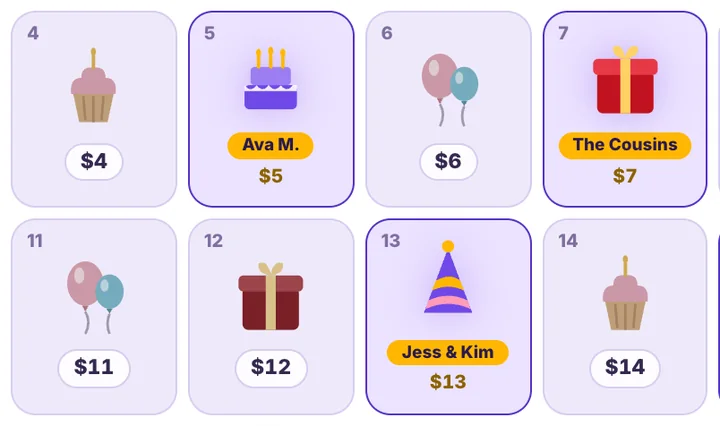
Example calendar · what yours will look like
Pack a Backpack
Crayons, notebooks & supplies — stock every classroom for day one. Day 3 = $3.
What is an online calendar fundraiser?
An online calendar fundraiser is a pick-a-date calendar fundraiser that lives at a web address instead of on a poster or a sign-up sheet: supporters open a link, claim a date, pay the amount on the spot, and the claim shows their name on the calendar for everyone who opens it. It used to live on a table — a poster in the lobby, a sign-up sheet, someone collecting envelopes after the game or the service. Now the whole fundraiser is a link.
In person, a calendar could only reach the people who walked past it. Online, it reaches everyone a participant can text: the grandparents two states away, the coworkers, the alumni. Those are the people who fill it, and the evening after launch usually out-raises a month at the table.
How a calendar fundraiser fills in 72 hours
Real numbers, real calendar. One competition team, one September, hour by hour. Every calendar fills the same way, yours included.
Create the calendar and connect payouts — 6 minutes
Account 5:28, campaign 5:30, Stripe 5:31, live 5:34. Goal set per participant × 12. Public before dinner.
The team joins — each gets a personal link and QR by email
Join link in the team group text. First member 5:55, four by 9 PM, thirteen within the week. This automatic email did the work: 217 of 219 gifts came through personal links. No invite list was ever uploaded.

First gift in two hours, 21 by midnight
Members texted family the same evening. $224 before bed. Round dates went first — the 10th, 20th, 25th and 30th were the most-claimed all month.
73% of the money in 72 hours
Day 2 $843, day 3 $1,006, day 4 $515. Peak hour 8 PM, second wave 9–11 AM; per day, weekdays out-gave weekend days about 1.6 to 1. $2,588 by the end of day 4.
Late joiners bring their own wave
Three more members joined on days 3, 4 and 6, each with a fresh family burst. 119 donors, $16.29 average gift, 1.65 dates per checkout, 72% left a message on the calendar.
Nobody sent the day-5 nudge — days 9 and 10 raised $67
The Email Team tab was never used, so the calendar went quiet at 64% of goal. One team message on day 5 — "we're at $2,700, the 20s are wide open" — is the single step this playbook adds.

Go live on a weeknight before dinner. Share by text. Expect the first gift within hours.
The competition team above went live at 5:34 PM on a Tuesday, shared 13 personal links by text, and had its first gift at 7:27 PM and 21 gifts by midnight. No table, no event, no envelope: 217 of 219 gifts came through links opened on phones. The busiest hours were 9 to 11 AM and 8 PM, which is when people are on their phones, not in a lobby.
Everything a calendar fundraiser needs
Built for the group that used to staff a table: the same calendar, reachable by everyone the team can text, filled at 8 PM from a couch instead of on Sunday from a lobby.
Open dates, visible to everyone, everywhere
The calendar shows which dates are open and which are claimed, to a grandparent in another state and a parent in the parking lot at the same moment.
Keep 100% of calendar donations
No envelopes to reconcile after the event. Funds settle to your own Stripe or Square account. Givers cover a small service fee at checkout, shown before they pay.
Paid on the spot, from any phone
Apple Pay, Google Pay, Cash App, or card. A claim is a payment, so an online claim never turns into a pledge you have to chase.
A link for every participant
Each student or player gets a personal calendar and link under one campaign, so the reach is every family's phone, not one lobby.
Receipts and totals without a volunteer
Every gift is receipted automatically. The dashboard shows the total, the claimed dates, and the leaderboard from wherever you are.
Shared in a tap: text, email, WhatsApp, QR
The share menu puts the link where people already are. The QR code brings the in-person crowd online too.
How to run it now that the calendar is a link
- 01
Launch on a weeknight, not at the event
Online calendars fill in the evening. The team calendar in the case study above had 21 gifts by midnight on a Tuesday; a lobby table gets one hour on a Sunday.
- 02
Text the link before you post it
A text from a participant to a relative is the highest-converting share there is. Post to social after the family wave, not instead of it.
- 03
Let the out-of-towners in
The people who fill online calendars are the ones who could never make the table: grandparents, alumni, coworkers, the cousin in another state. Ask each participant to text three people who live far away.
- 04
Keep the table, add the QR code
If you still have an event, print the QR code on a sign. The scan opens the same calendar, so in-person gifts land online with a receipt too.
- 05
Give every participant a link
A team campaign gives each student or player their own calendar. Reach multiplies by the roster, and the leaderboard keeps everyone sharing.
- 06
Send the team message on day 5
The one thing a lobby table did that a link does not is remind people by being there. The Email Team tab does it in one click; every case study that skipped it went quiet.
- 07
Set the calendar to 2× for a bigger goal
2× date pricing makes the 13th $26 and a full calendar $992, without a second event.
- 08
Read the supporter wall out loud
Every online claim carries a name and a message. Read them at the banquet or the service; the people who gave from far away get to be in the room.
- 09
Boosts for the ones who want to give more
A supporter can boost a gift above the date. On the real calendars in the case studies, about one gift in fourteen was boosted.
- 10
Leave it open past the goal
An online calendar keeps taking gifts after the event is over. Close it when the bill is paid, not when the table is packed up.
How a calendar fundraiser works
Build the calendar online.
Pick a themed calendar, add your name, colors, and goal, and connect Stripe or Square. Built in minutes.
Share the link, not a table.
Text it, email it, post it, print the QR code. Supporters claim a date from anywhere and pay on their phone.
Watch it fill from your phone.
Live totals, locked dates, automatic receipts. Keep 100% of calendar donations.
More fundraiser calendars
Online Calendar Fundraiser FAQ
How is an online calendar fundraiser different from one at an event?
Reach and timing. Online, the calendar is a link that anyone can open at any hour, and a claim is a payment on the spot. In person, it reaches the people who walk past the table, and the gift is a pledge or an envelope collected later.
Do supporters need an account or an app?
No. The link opens a web page on any phone. They tap a date, enter a name and a message, and pay with Apple Pay, Google Pay, Cash App, or card.
Can we still run it at our event?
Yes. Print the QR code on a sign or a program; the scan opens the same calendar, so in-person gifts are recorded online with a receipt like every other gift.
How fast does an online calendar fill?
On the real calendars in our case studies, the first gift came 21 minutes to two hours after a weeknight launch, and about three-quarters of the money arrived in the first four days.
How much does an online calendar fundraiser raise?
The sum of the dates: $496 for a 31-day month, $465 for a 30-day month, per calendar. Give every participant their own calendar and the total multiplies.
What does it cost?
Building and running a calendar is free. Givers pay a small service fee at checkout, shown before they pay, and you keep 100% of calendar donations. The fee is described in full in our Terms of Service.
- Digital calendar fundraiserEvery feature the printed template never had
- Pick-a-date calendar fundraiser for organizationsHow the calendar works, start to finish
- Pick a date to donatePersonal and gift calendars
- Real resultsSix campaigns, day by day
- How much can you raise?Calendar fundraiser calculator: participants in, total out
- Holiday fundraisers hub18 pick-a-date calendars, in season first
Updated September 12, 2026
Fund every date this season.
Free to build. Connect Stripe or Square to go live. Keep 100% of calendar donations.
Start the Online Calendar calendar